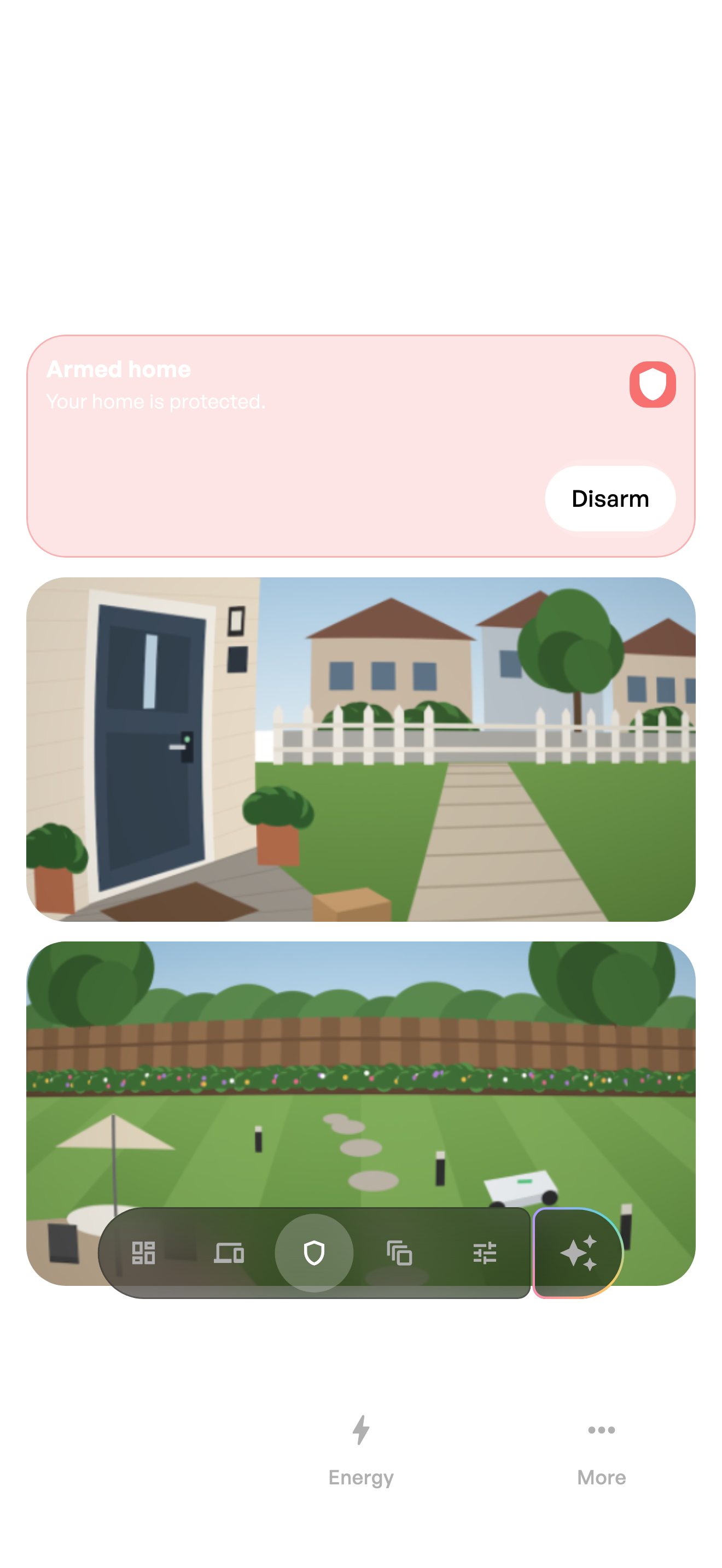
Confirm the current state
Read the state shown for the relevant alarm area before choosing an action. A notification about an earlier event is not proof of the current armed state.
Arm or disarm
- Confirm that you are operating the correct installation and area.
- Make sure the building is ready for the selected mode.
- Submit the action once and wait for acceptance or rejection.
- Verify the state returned by the system.
An unavailable action is not an outage
The current user may lack the capability, the alarm may be transitioning or the installation may reject the requested mode.