Use Hombee with your Home Assistant
You do not need a Hombee home or a smart-home installation from Hombee. The app also works with your own Home Assistant instance.
Connect for the first time
- Install Hombee from the App Store or Google Play.
- Open the app and choose Get started.
- Sign in to your Hombee account with Continue with Google. On iPhone, iPad, Mac and the web, you can also choose Continue with Apple. An account is required to use the app.
- If the app asks about cloud sync, choose Cross-device sync or Local only, then select Continue.
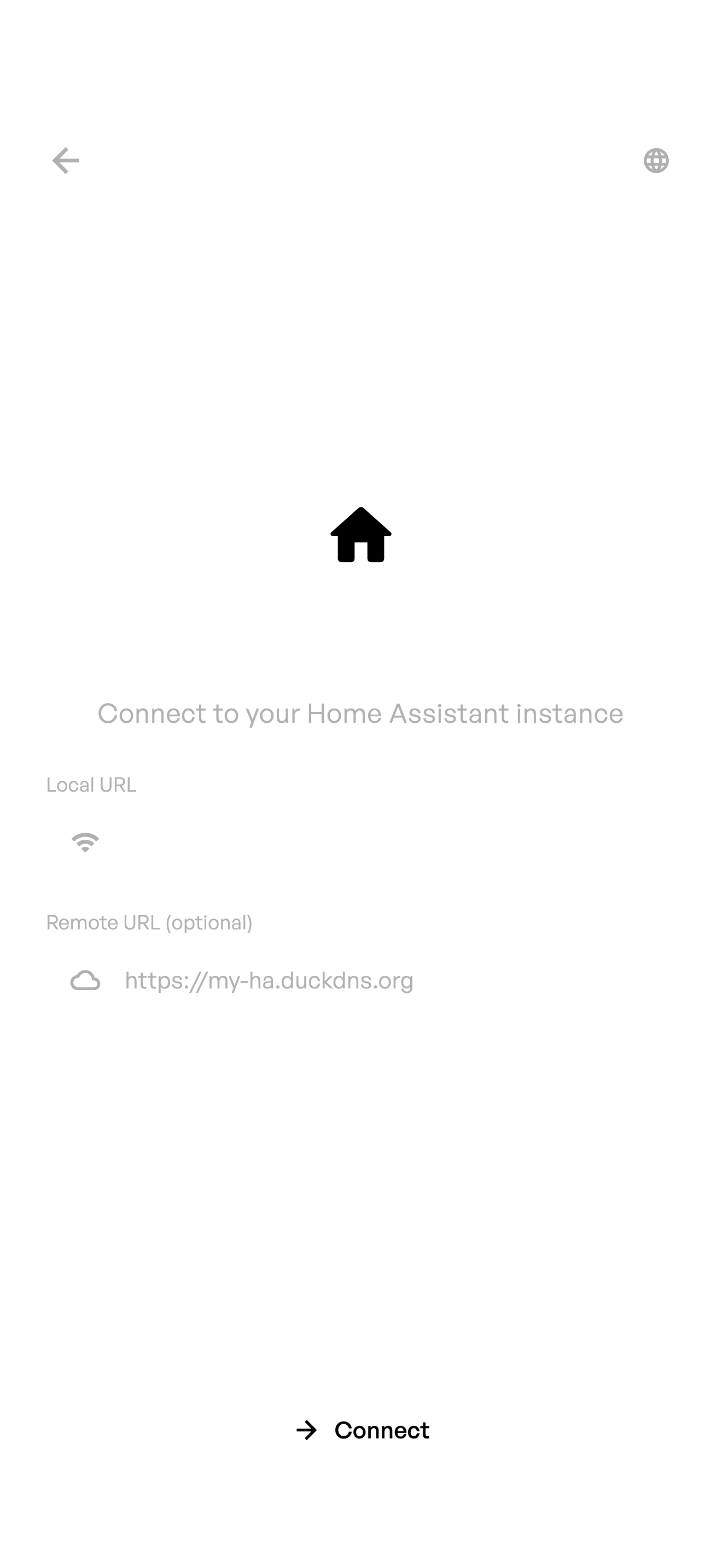
- Enter the local or remote address of your Home Assistant and select Connect. In a web browser, enter the remote address.
- Select Sign in with Home Assistant and complete the Home Assistant login.
- Connect a Victron system with a VRM access token, or select Skip.
- Wait for the first synchronization, then check that your rooms and devices appear.
To use the same home from ChatGPT, Codex or another compatible AI client, continue with the Home MCP connection guide. If the app connects but data does not update, use the connection and synchronization guide.